# Customizing Appearance
The various sections listed here offer loads of options for changing the colors, font-sizing, letter-spacing, and more for nearly all of Craftype's theme elements.
## **Colors**
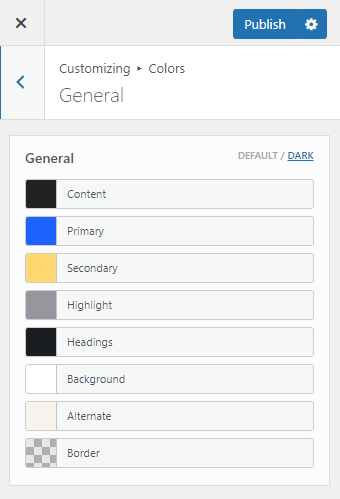
Add your own colors to the existing palette for quick & easy implementation in General, Header, Off-canvas tabs.\
## **Typography**
The different theme typography sections noted here allow you to change Craftype default fonts to your choice of nearly 1000 [**Google Fonts**](https://fonts.google.com/).
You may Customize typography in the different typography sections
## Skins
Select your favorite design style from the existing skins list.
## Light/Dark Mode
You can switch Default/Dark mode and adjust your color scheme. Dark Mode is a look that's easy on your eyes and helps you focus on the content. and helps you focus on the content. It uses a dark color scheme and is activated automatically based on the browser's preferred settings or manually with a toggle.